
Top 12 Tools Service-Based Business Owners Should Integrate With QuickBooks
A quick guide on top tools to integrate with QuickBooks for efficiency.


12 Tools Service-Based Business Owners Should Integrate With QuickBooks
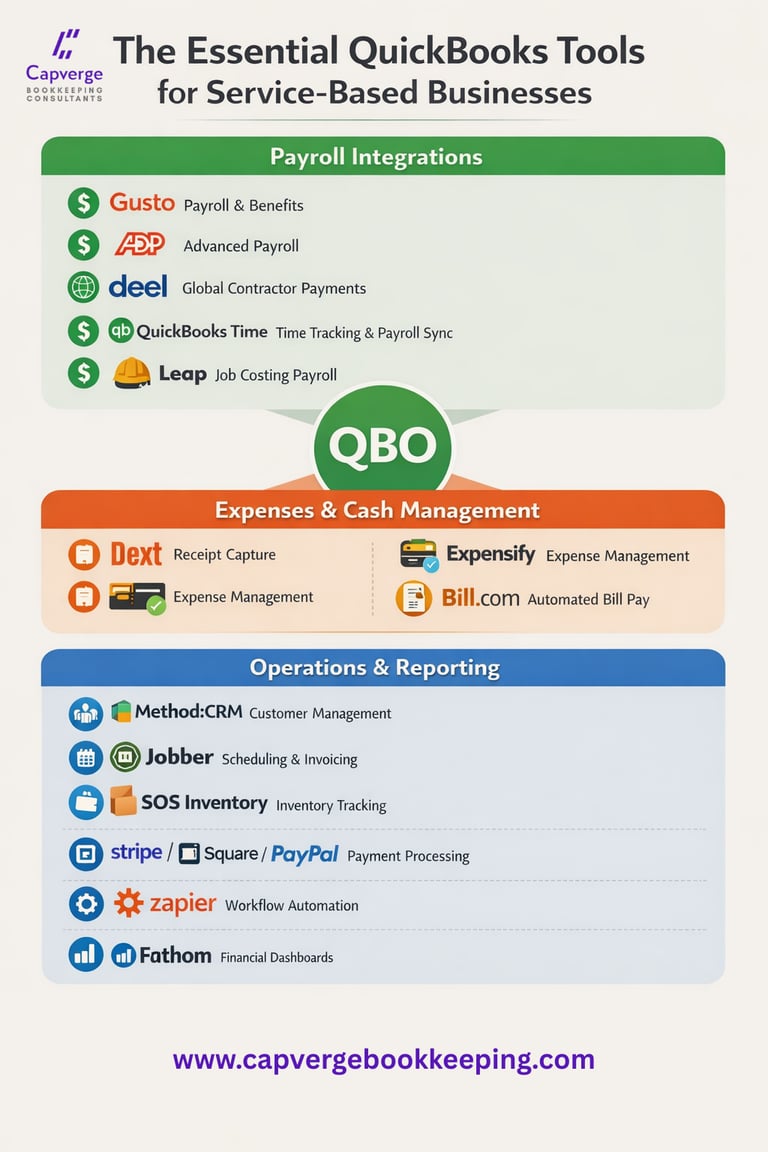
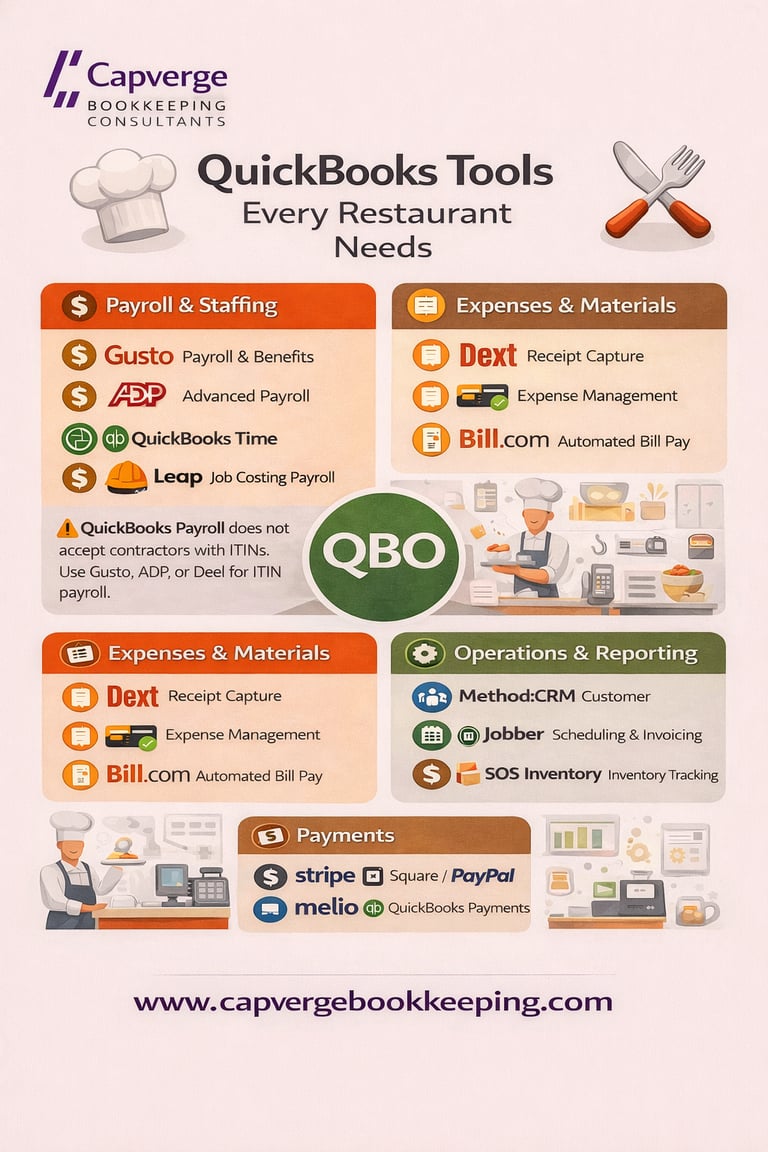
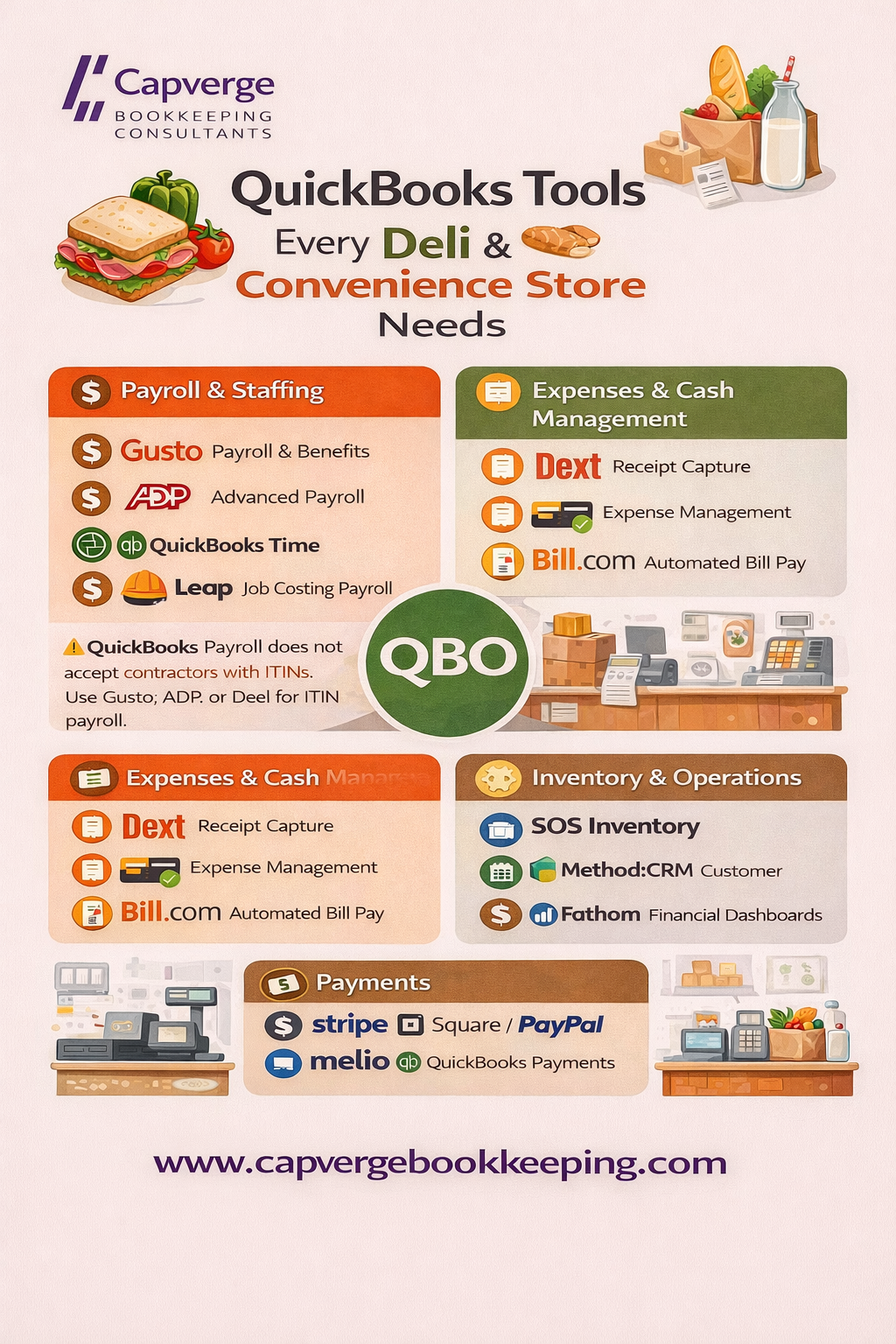
Service based businesses face unique challenges. Payroll can be complex, cash purchases and vendor receipts need accurate tracking, job costing requires visibility, and reconciliation can easily eat up hours every month. QuickBooks is a powerful accounting foundation, but integrating the right tools helps automate workflows, reduce manual data entry, and give you a centralized financial picture.
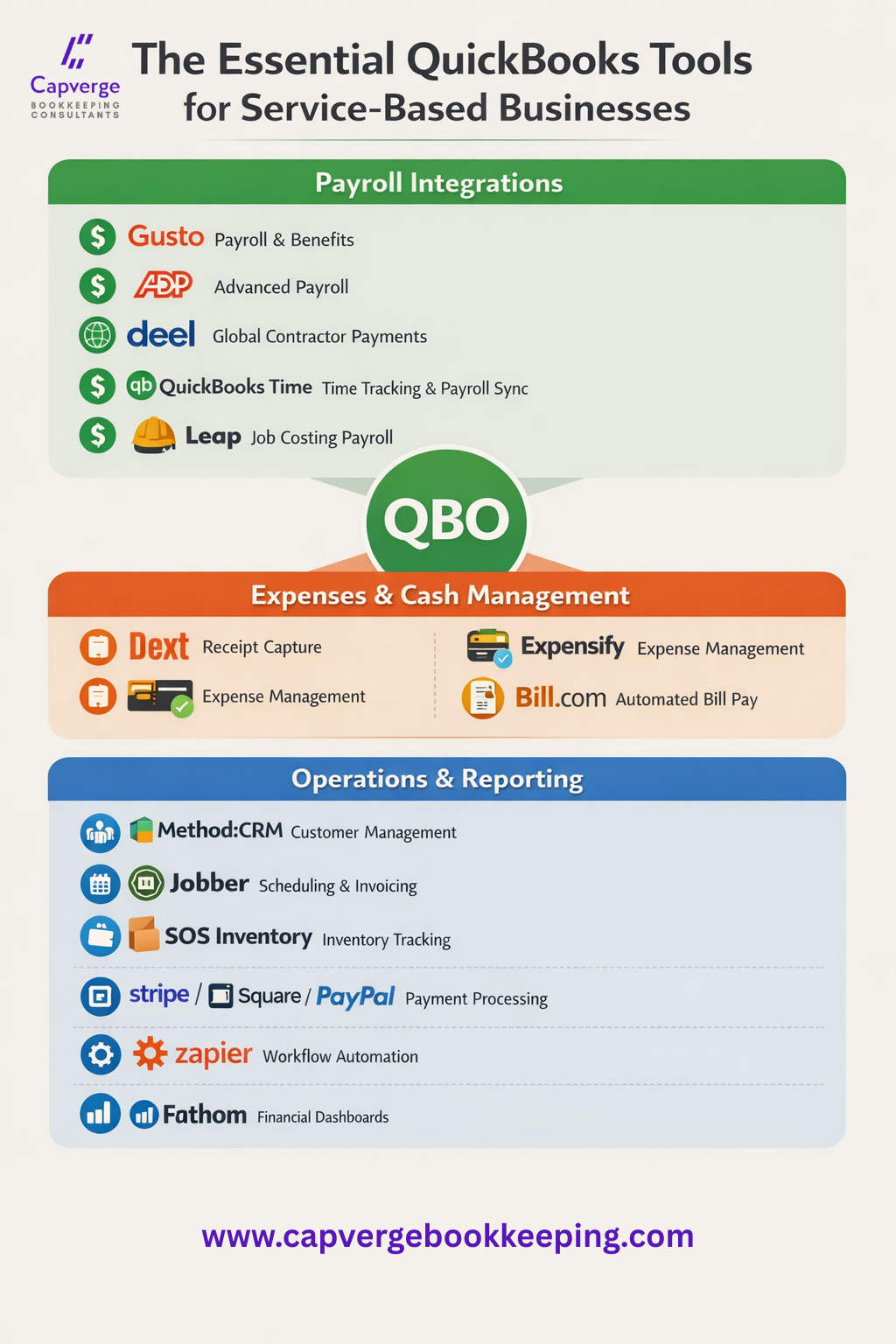
Here are the top tools worth investing in for service businesses that use QuickBooks; especially those with payroll and cash handling challenges.
1. Gusto – Payroll & HR Integration
Payroll and HR platform that syncs directly with QuickBooks to automate payroll, tax filings, benefits, and compliance.
Why It’s Valuable
Seamless payroll data syncs with QuickBooks
Automates wage entries, employer taxes, and payroll liabilities
Handles employee onboarding, benefits, and time tracking
Ideal for businesses with employees and payroll complexity
Video Tutorial: Gusto Payroll with QuickBooks Online
2. ADP – Robust Payroll for Growing Teams
ADP offers enterprise‑grade payroll and HR services with QuickBooks integration support for businesses processing payroll outside QuickBooks Payroll.
Why It’s Valuable
Handles multi‑state payroll and compliance
Syncs payroll records into QuickBooks
Strong reporting and audit tools
Helpful for larger crews or multi‑location operations
Video Tutorial: How to Sync ADP with QuickBooks Online
3. Deel – Global Payroll & Contractor Payments
Deel streamlines paying international contractors and staff and syncs payment data into accounting platforms like QuickBooks.
Why It’s Valuable
Manages global contractor payroll and compliance
Imports payroll expenses as vendor payments
Helps service businesses working with international teams
4. QuickBooks Time – Time Tracking That Syncs to Payroll
QuickBooks Time (formerly TSheets) tracks employee hours, project time, and job details, syncing automatically with QuickBooks for payroll and billing.
Why It’s Valuable
Tracks hours by employee, project, or service location
GPS and mobile clock‑in features
Eliminates manual timesheet entry into payroll
Video Tutorial: How to Use QuickBooks Time with QuickBooks Online
5. Dext – AI Receipt Capture & Cash Expense Tracking
Dext (formerly Receipt Bank) uses AI to capture receipts and bills, categorize them, and sync them to QuickBooks.
Why It’s Valuable
Excellent for managing large volumes of cash receipts
AI categorizes expenses automatically
Improves accuracy and record keeping for cash purchases
Overview Video: Dext Automation Platform
6. Expensify – Expense Management & Reimbursements
Expensify streamlines receipt capture and employee expense reporting and syncs entries directly with QuickBooks.
Why It’s Valuable
Mobile receipt scanning and approval workflows
Captures reimbursable and business expenses
Syncs cleanly to QuickBooks for reporting and payroll
7. Bill.com – Accounts Payable & Vendor Payments
Bill.com automates bill capture, approval, and payments while syncing with QuickBooks to maintain accurate accounts payable records.
Why It’s Valuable
Automates vendor bill entry and payment approvals
Schedule ACH or check payments
Keeps AP tracking organized and audit‑ready
Offers Cash Back
Perfect for E-commerce businesses
Integration Video Tutorial: Bill.com Integration with QuickBooks Online
8. Method CRM – Customer Management That Syncs with QuickBooks
Method CRM offers two‑way synchronization with QuickBooks, letting you manage customer records, invoices, and payments without double data entry.
Why It’s Valuable
Unified customer database that ties to QuickBooks
Create invoices and estimates from within CRM
Reduces duplicate data entry
Overview Video: Visual walk-through of Method CRM
9. Jobber – Field Service & Job Management
Jobber integrates field service management (scheduling, dispatch, invoicing) with QuickBooks for easier job cost capture.
Why It’s Valuable
Job scheduling and time tracking in one place
Invoices sync to QuickBooks
Tracks material costs and labor per job
10. SOS Inventory – Parts, Supplies, and Order Tracking
SOS Inventory adds strong inventory, order, and part‑level visibility that communicates back to QuickBooks.
Why It’s Valuable
Tracks inventory levels and order history
Syncs item costs and usage to QuickBooks
Useful for service businesses carrying parts or supplies
Tutorial Video: SOS Inventory for QuickBooks
11. Stripe, Square & PayPal – Payment Processors with QuickBooks Sync
These payment processors automatically import sales, fees, and transaction data into QuickBooks.
Why They’re Valuable
Auto‑import payment activity
Reduces manual reconciliation work
Gives real‑time visibility into cash flow and handled payments
12. Zapier – Workflow Automation for Everything Else
Zapier connects QuickBooks to thousands of apps and automates repetitive tasks like creating invoices or syncing contacts.
Why It’s Valuable
Automate workflows between tools without coding
Connect apps that don’t have native integrations
Boost productivity across platforms
Tutorial Video: Zapier Automation with QuickBooks
Ready To Work With Someone Who Cares About Your Business As Much As You Do?
Final Thoughts
The right toolset turns QuickBooks from a bookkeeping system into a true business operating engine. Payroll automation, receipt capture, vendor bill management, field service tracking, CRM, and flexible workflows all contribute to smoother operations and more accurate reporting. Service based businesses that invest in tools that integrate cleanly with QuickBooks spend less time reconciling, more time growing, and gain real insight into profitability and cash flow.
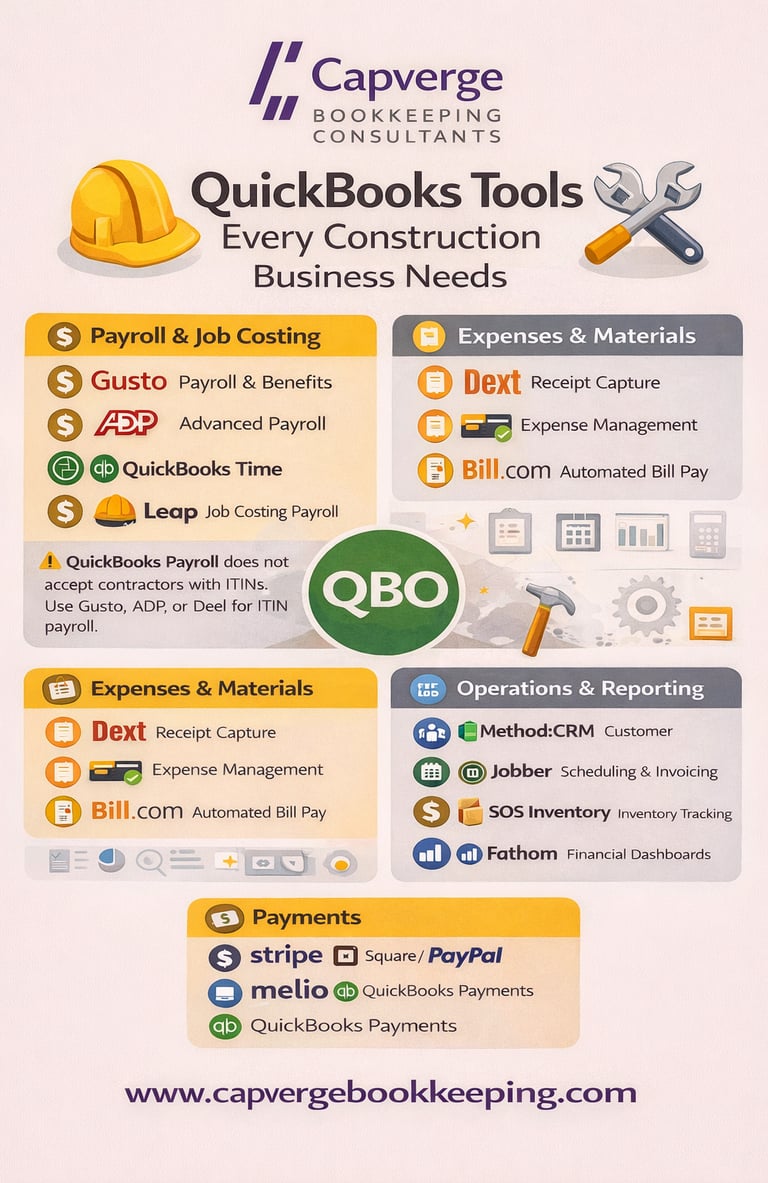
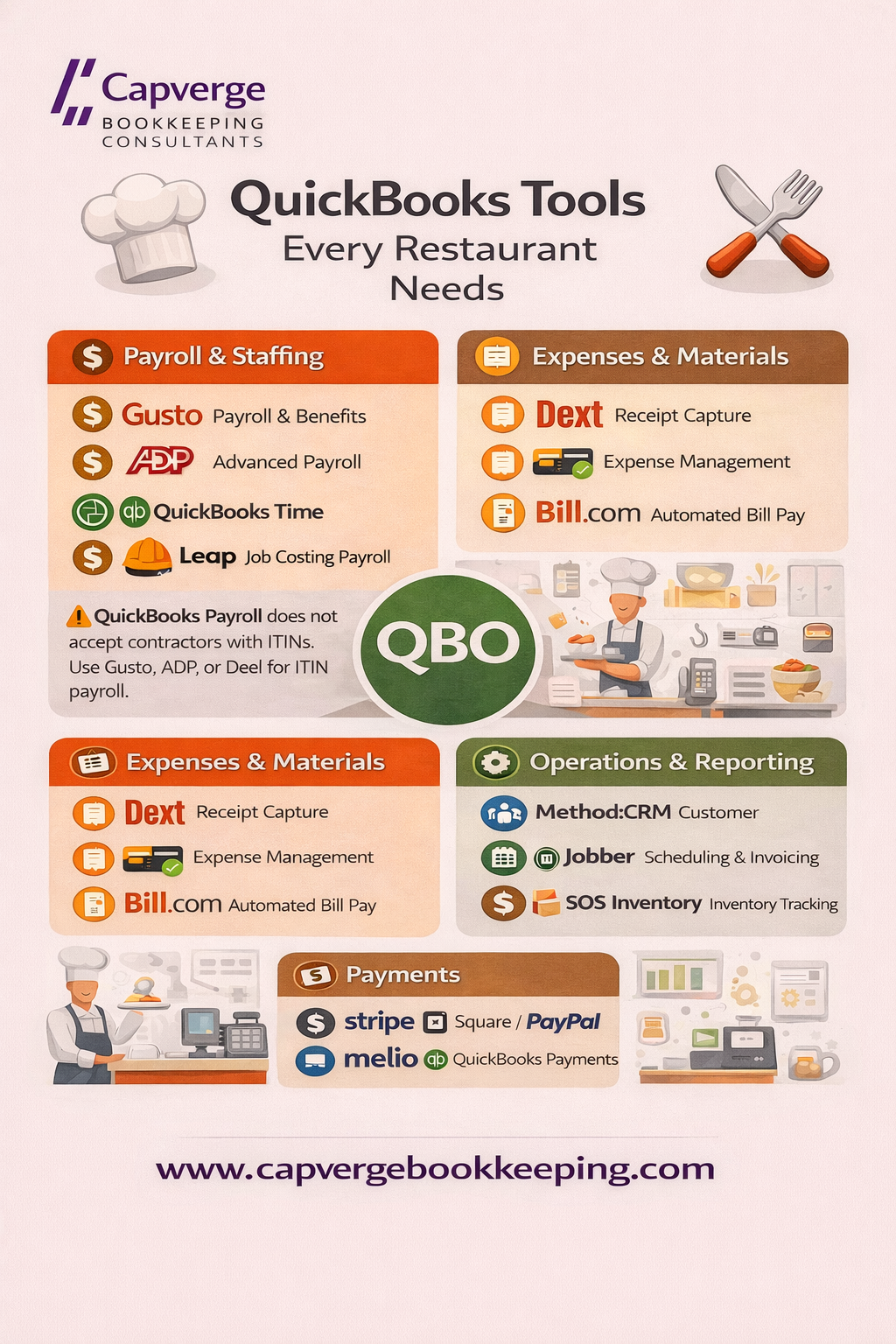
Whether you run a construction company, a restaurant with fluctuating labor costs, a deli handling lots of cash purchases, or a service contractor with hourly billing, the integrations above are worth considering as part of your tech stack.
Capverge Bookkeeping Consultants works with all these efficiency tools and more ,while handling the bookkeeping for all our clients. If you're looking for support, speak to us today to learn what we can do for you.






Get Our Free Financial Health Check Guide Designed To Provide Structure To Your Bookkeeping And Get Your Time Back!
Sign Up for Instant Download.


bookeeping services in long island, new york
bookkeeping for small businesses
Contacts
(833)-384-7494
917-423-2442
bookkeeping@capverge.com
support@capvergebookkeeping.com
Subscribe to our newsletter